
Track
Add an expense, income or transfer with the right account, category, receiver, date and note. A built-in calculator keypad keeps entry fast.
Personal finance, made clear
Expensee makes daily money tracking feel simple—not like accounting. Sign in once, then keep tracking offline, with optional private cloud sync for your account whenever you want it.
A complete money rhythm
From a quick daily entry to the bigger monthly picture, Expensee keeps the next useful action close.
Add an expense, income or transfer with the right account, category, receiver, date and note. A built-in calculator keypad keeps entry fast.
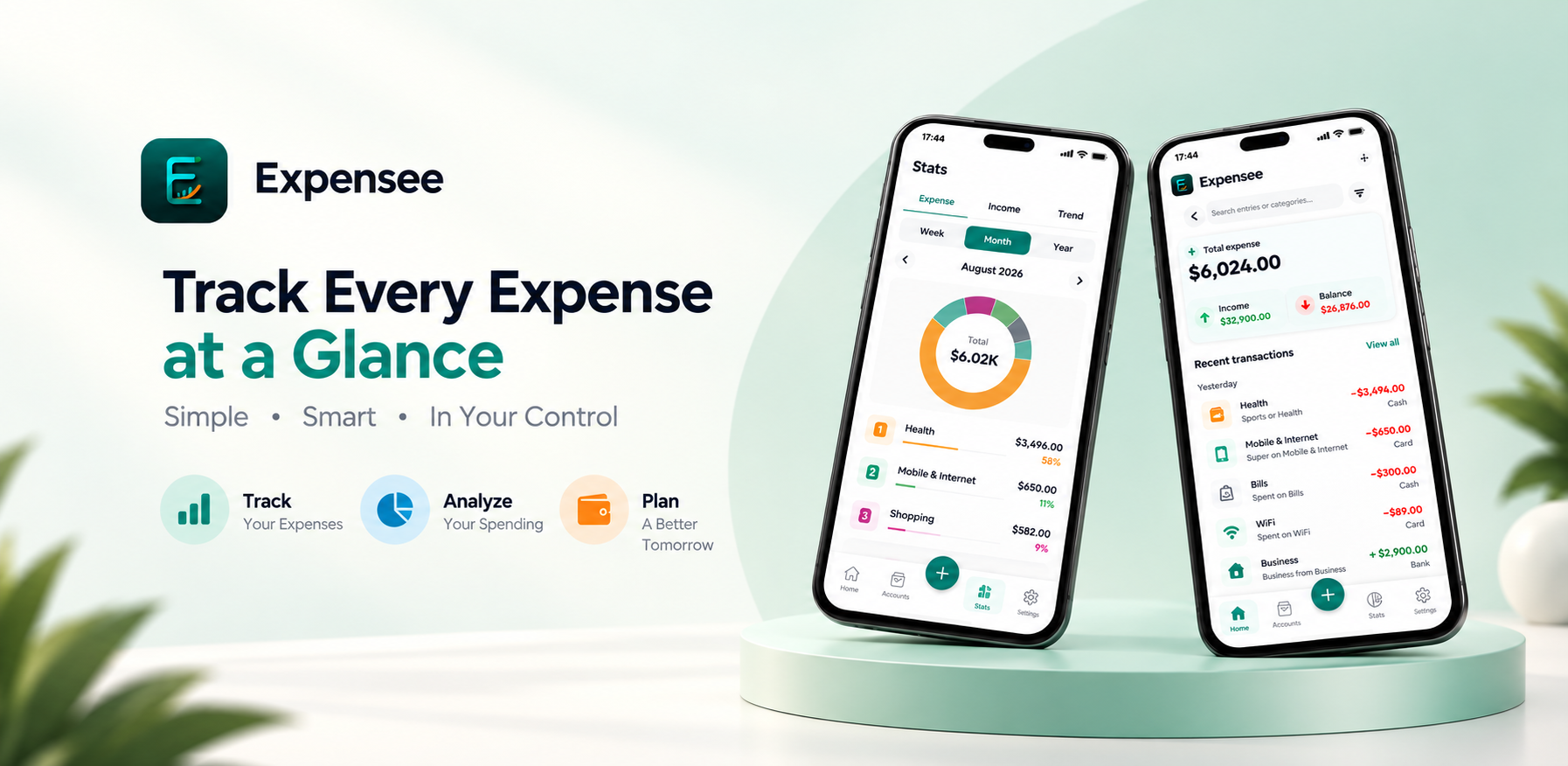
See monthly totals, account balances and recent activity at home. Search and filter the full record whenever you need the detail.
Set overall or category budgets, watch spend and remaining amounts, and get local alerts when you reach 80% or 100%.
Full-featured, never fussy
Thoughtful tools for entering, finding, understanding and protecting your financial records—all in one calm Android app.
Record expenses, income and transfers with source and destination accounts, receiver, date, category, note and a calculator keypad.
Check expense, income, balance, overall-budget progress, account balances and recent transactions as soon as you open the app.
Search records or filter by date, type, account, category and amount. Review totals and move through paginated history without losing context.
Explore expense and income breakdowns with donut charts, category rankings and trend bars across Week, Month and Year ranges.
Create overall and category-level monthly budgets. Follow spending, remaining money and days left, with local alerts at 80% and 100%.
Manage balances, reorder or archive accounts, and create searchable income and expense categories with custom icons and colors. Archive or merge categories as your setup evolves.
Export transaction data as CSV, or create and restore a local .expensee backup when you want a copy under your control.
Use a PIN or supported biometrics for app access. Google sign-in enables optional private cloud sync for your account; after signing in once, you can keep tracking offline.
See your current monthly spending at a glance and jump straight into adding a new record from the widget shortcut.
Choose from 150 currencies, set a custom month-start day, switch between English and Bengali, and use light, dark or system theme.
Local-first by design
Expensee keeps core tracking available offline after your initial sign-in. Cloud sync is optional and scoped to your account—not required for every entry.
Personalize the essentials, then let the app stay out of your way.
Good to know
Everything you need to know before making Expensee part of your routine.
Yes. After signing in once, core tracking continues offline, so you can add and review records without a constant internet connection.
No. Google sign-in enables optional private cloud sync for your account, but you can keep tracking locally when you are offline.
You can export transactions as CSV and create a local .expensee backup file that can later be restored in the app.
Expensee supports English and Bengali, along with 150 currencies and a custom month-start setting.
Expensee is available now for Android on Google Play.
Start tracking, understanding and planning your money with Expensee on Android.
Download on Google PlayQuestions, account help or product feedback—talk directly to the developer.